Career Mapper
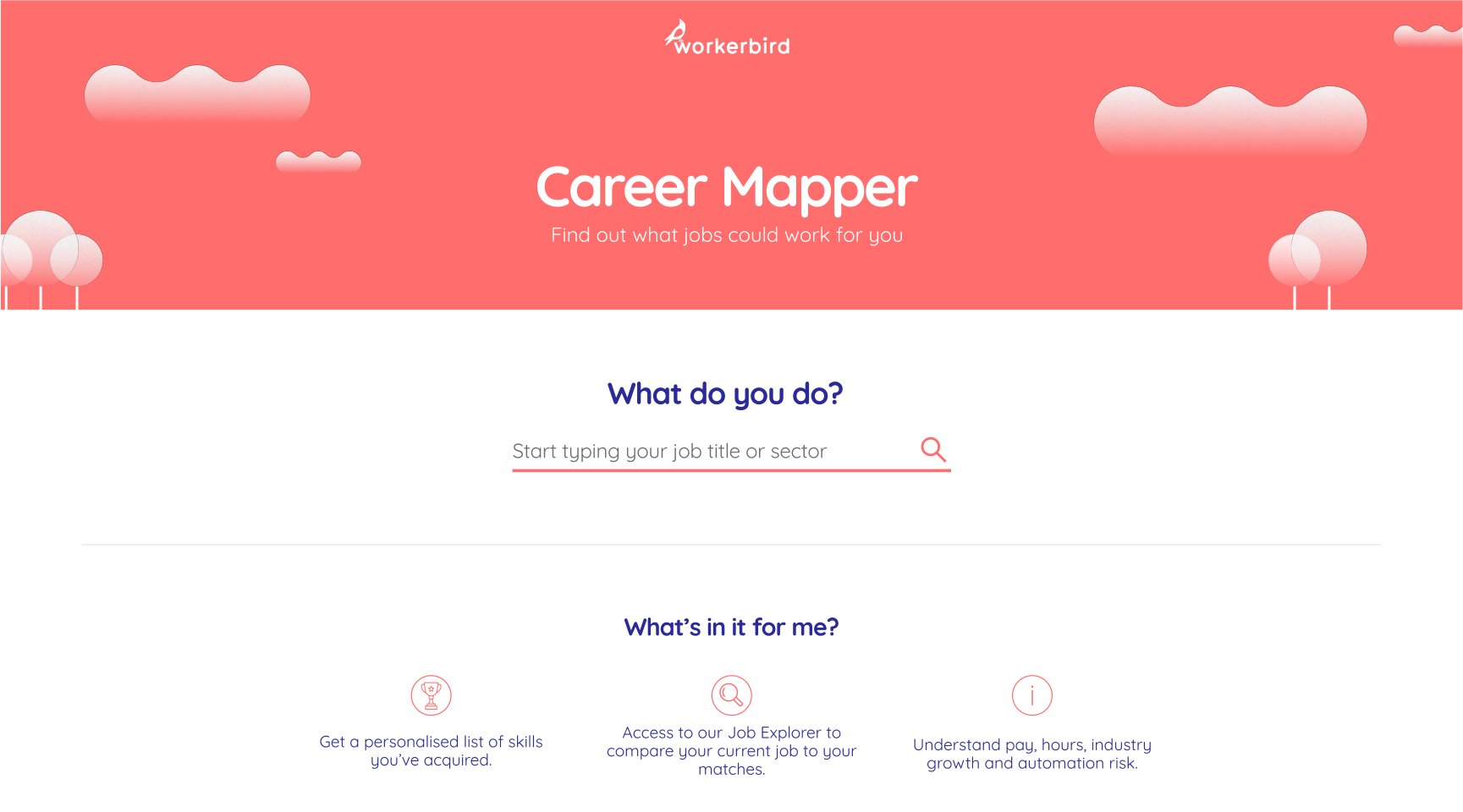
Career Mapper helped workers reflect on their working life, recognise the skills they already used, and see where those skills could take them, using real labour market data.
I founded Workerbird and led this project: the research, the design and the relationship with Nesta. Two developers built it.
Piloted with 460 union members: 71% came away feeling confident or empowered, and 86% found it very easy to use.
The problem
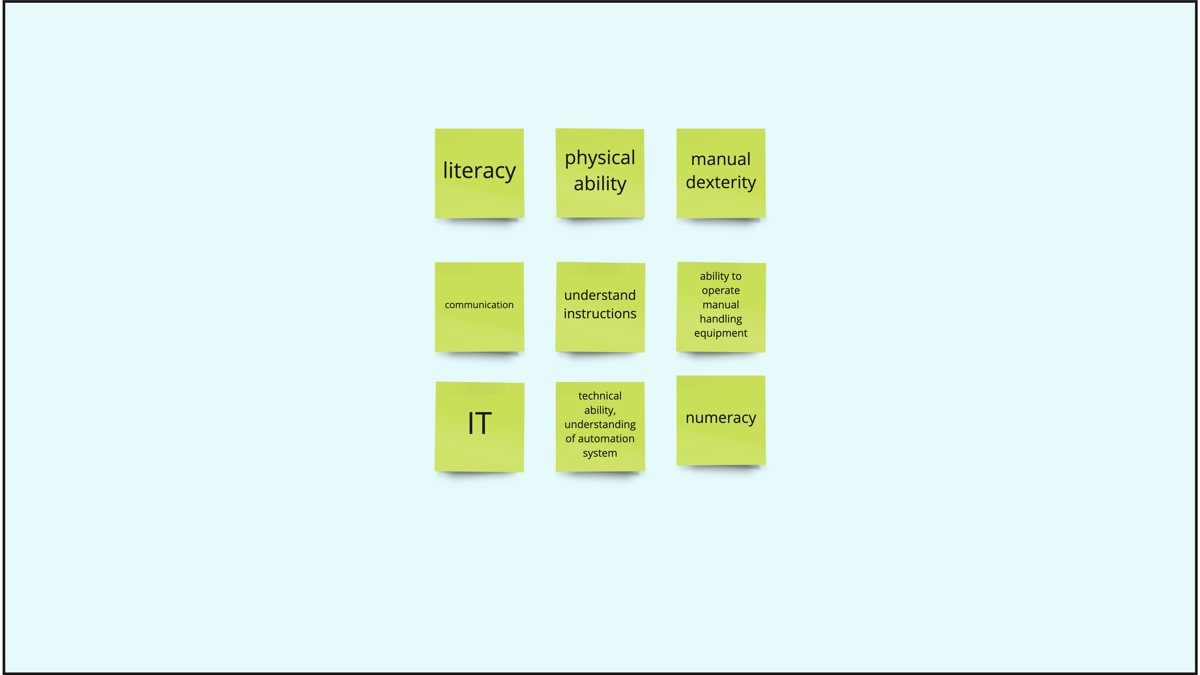
Our research found that many workers at risk from automation struggled to name the specific skills they used every day. They tended to think in general terms, which made it hard to picture other jobs. Some were also "reactive" job searchers who only looked for work after redundancy. Existing skills surveys were either too generic to be useful or built around employers' needs rather than workers'.
The solution
We built two tools that could be used in either order.
Skills Assessment
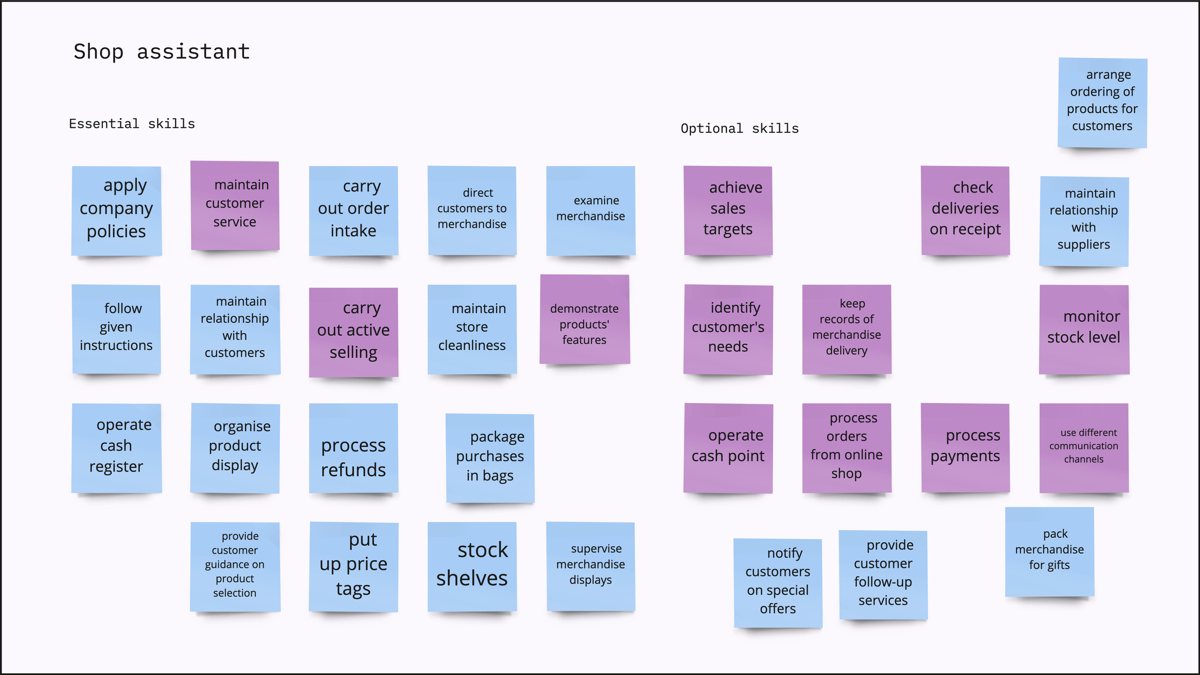
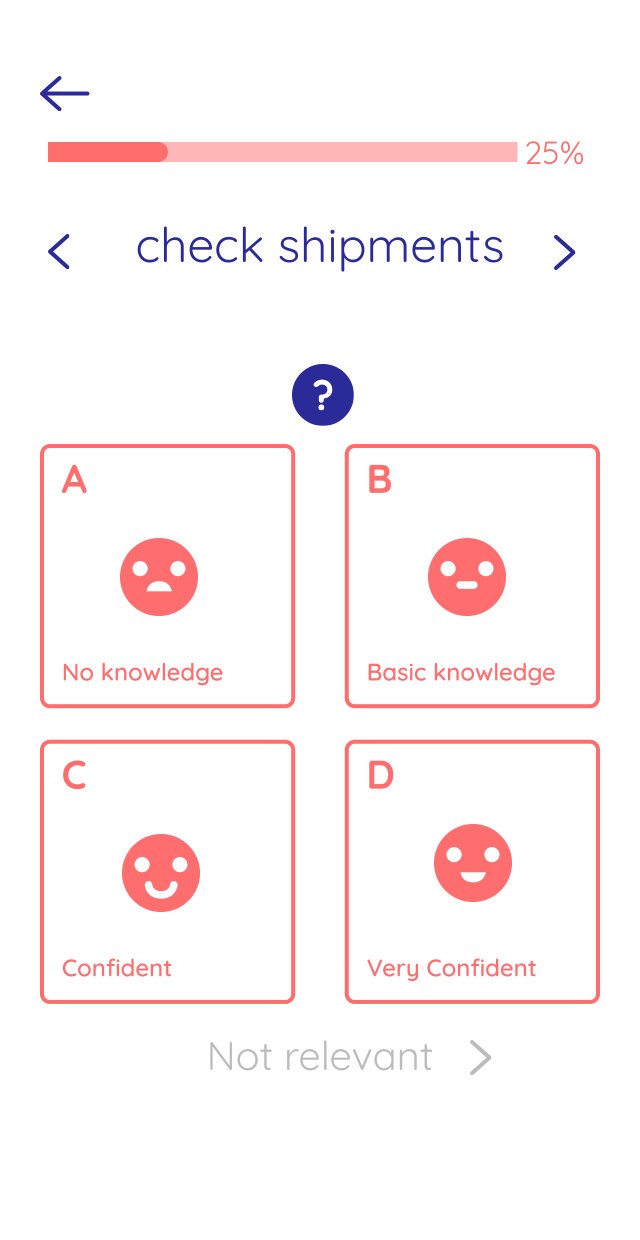
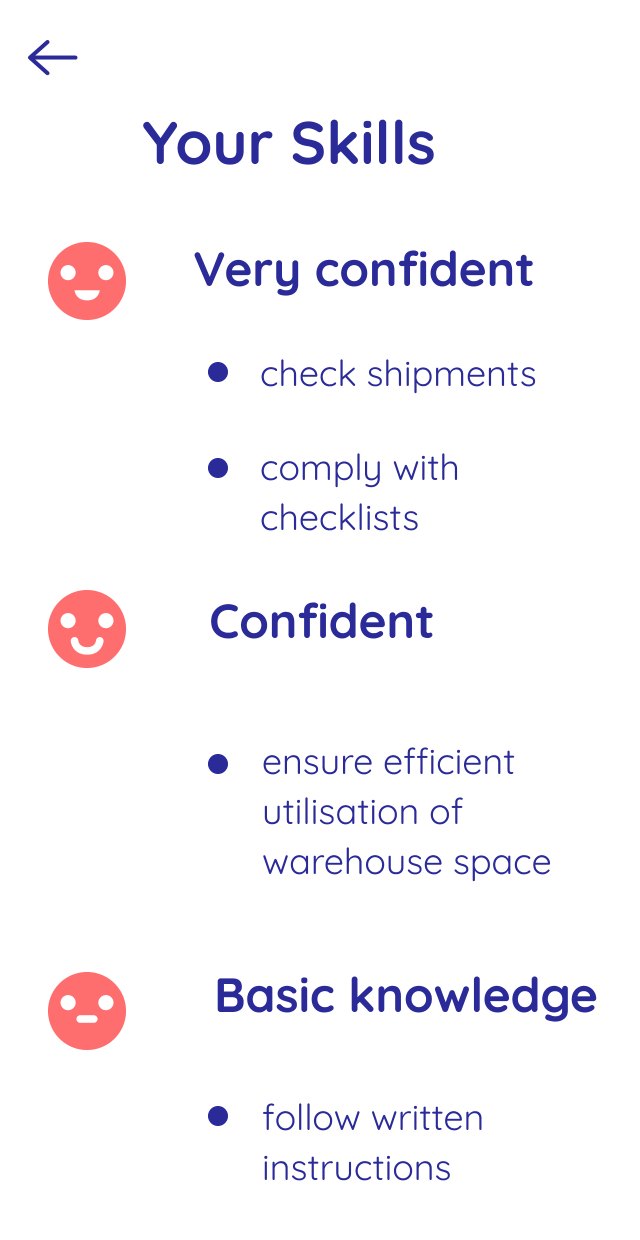
Users picked their job, rated each of its skills from the ESCO database on a simple confidence scale, added their own skills, and downloaded a PDF summary.
Job Explorer
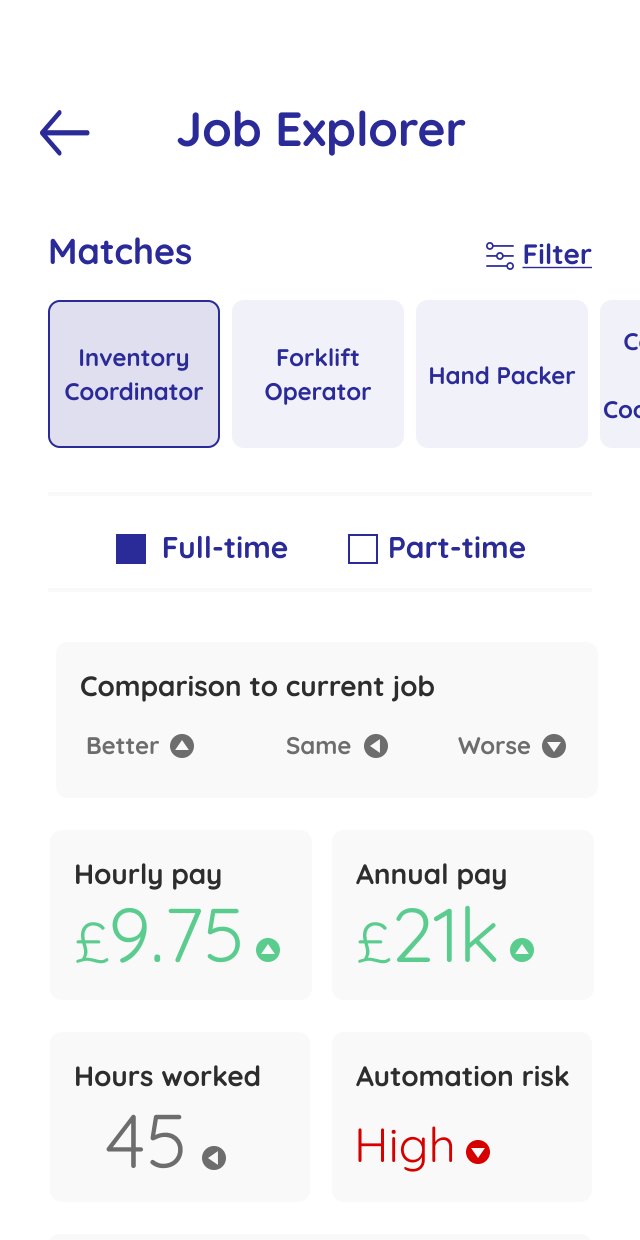
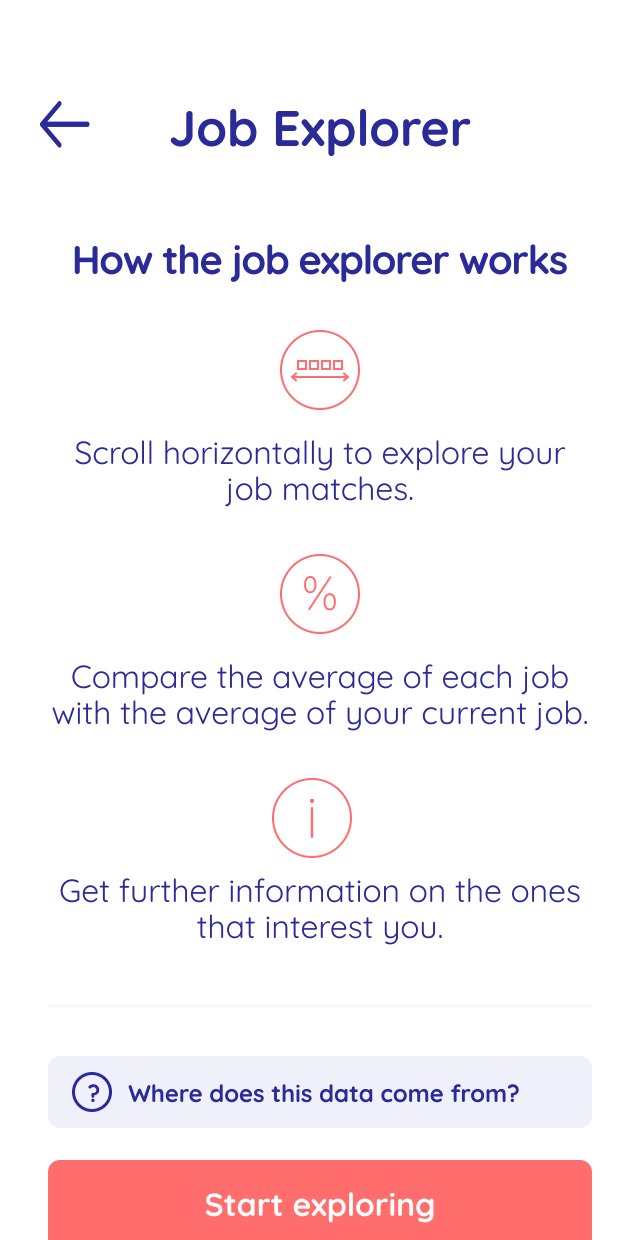
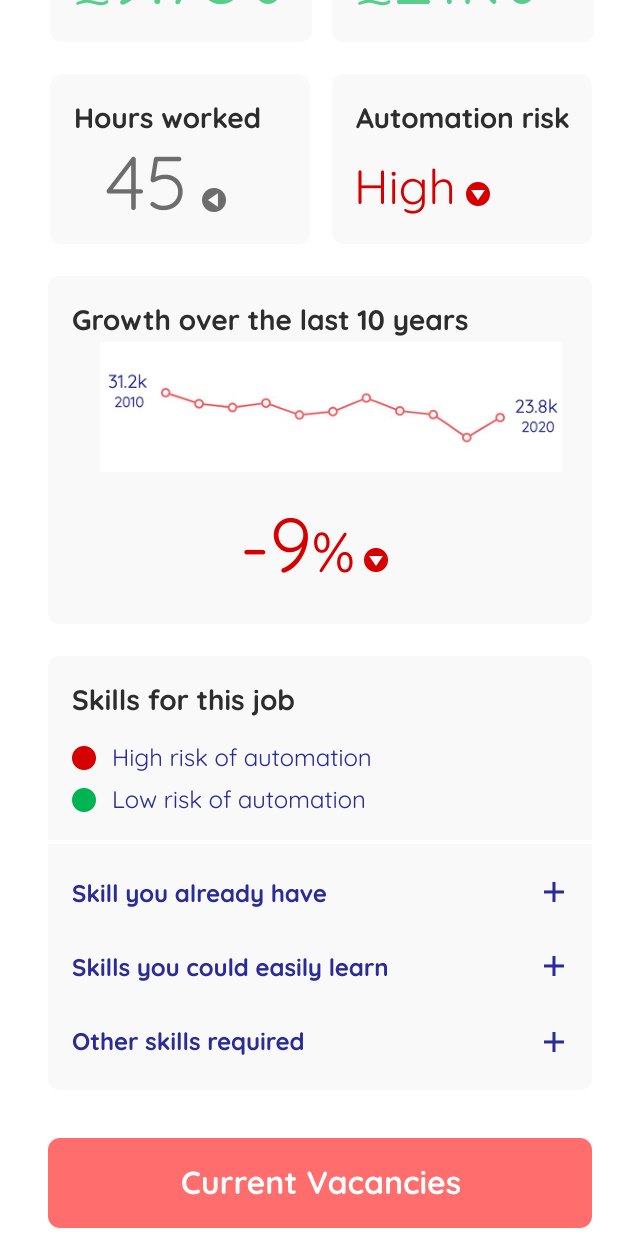
A mobile-first, scrollable view of job matches, each compared with the user's current job on pay, hours, sector growth and automation risk. Green and red with arrow icons showed at a glance whether a job was better or worse. Each match listed skills they already had, related skills and new skills to learn.
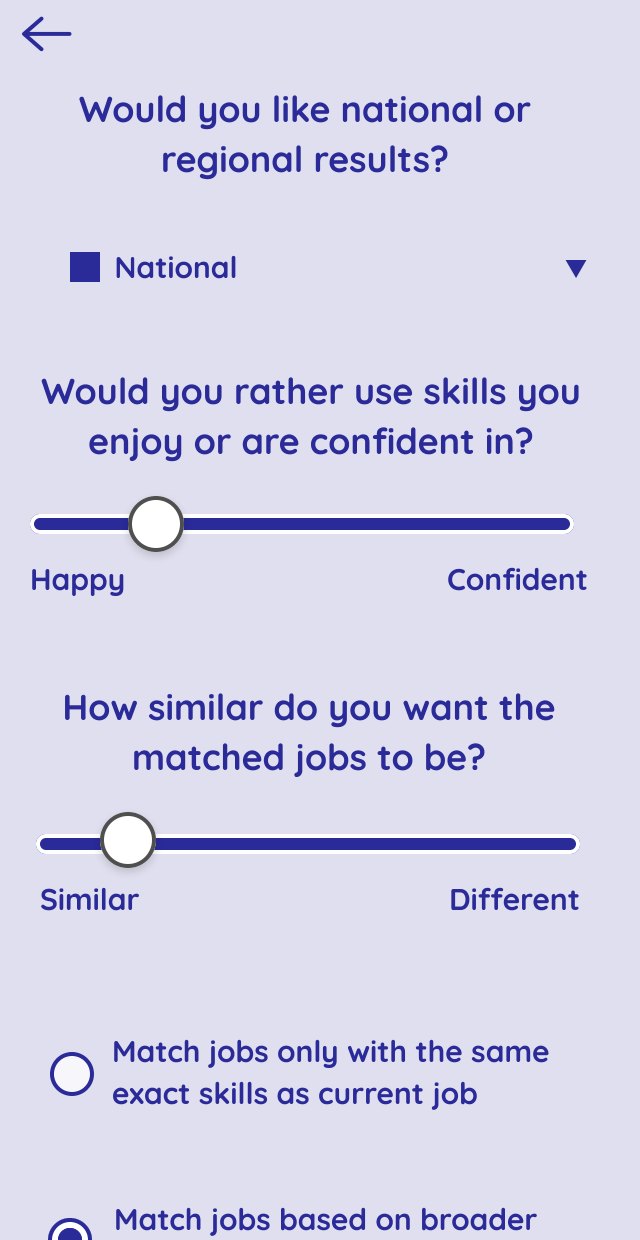
We called this an "open algorithm". Rather than giving one answer, users could adjust filters (confidence or enjoyment, how similar to their current job, regional or national) and watch the results change. Behind this, each skill was scored on how confident the user felt and how much they enjoyed it, and jobs could be matched on exact skills or on the broader skill groups they belong to.
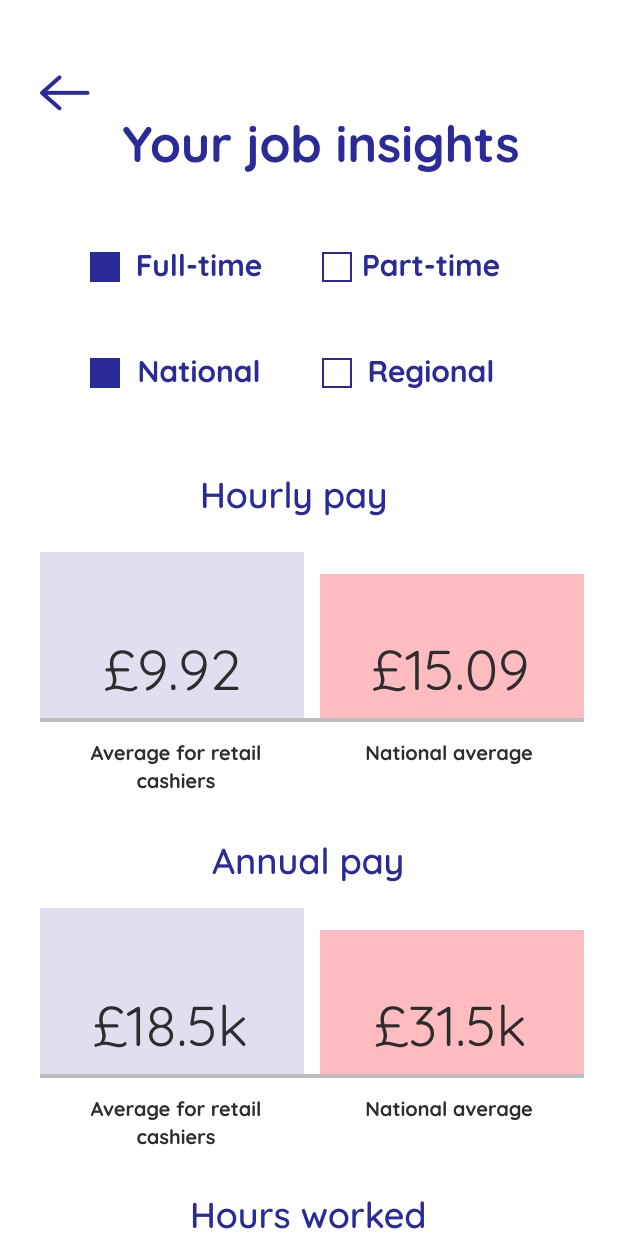
“The salary comparison has allowed me to see how I can achieve comparable pay in a different job using existing skills. Also shows what skills I need to develop to secure a new job role.” Career Mapper user
How we built it
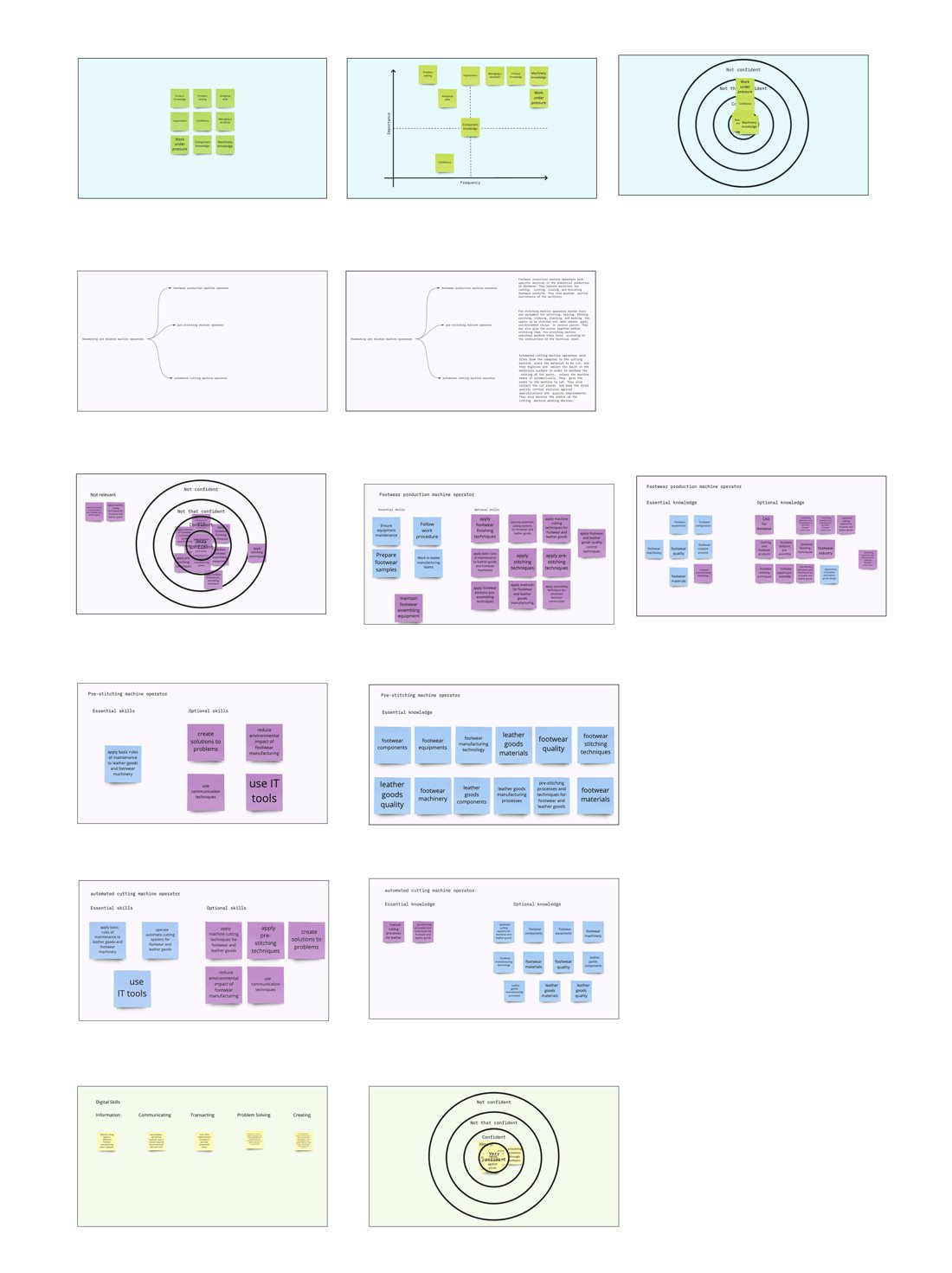
We ran two design sprints and remote research interviews on Miro with factory, retail, steel and logistics workers. We tested Figma prototypes personalised with each participant's real job and skills before launching a live pilot.
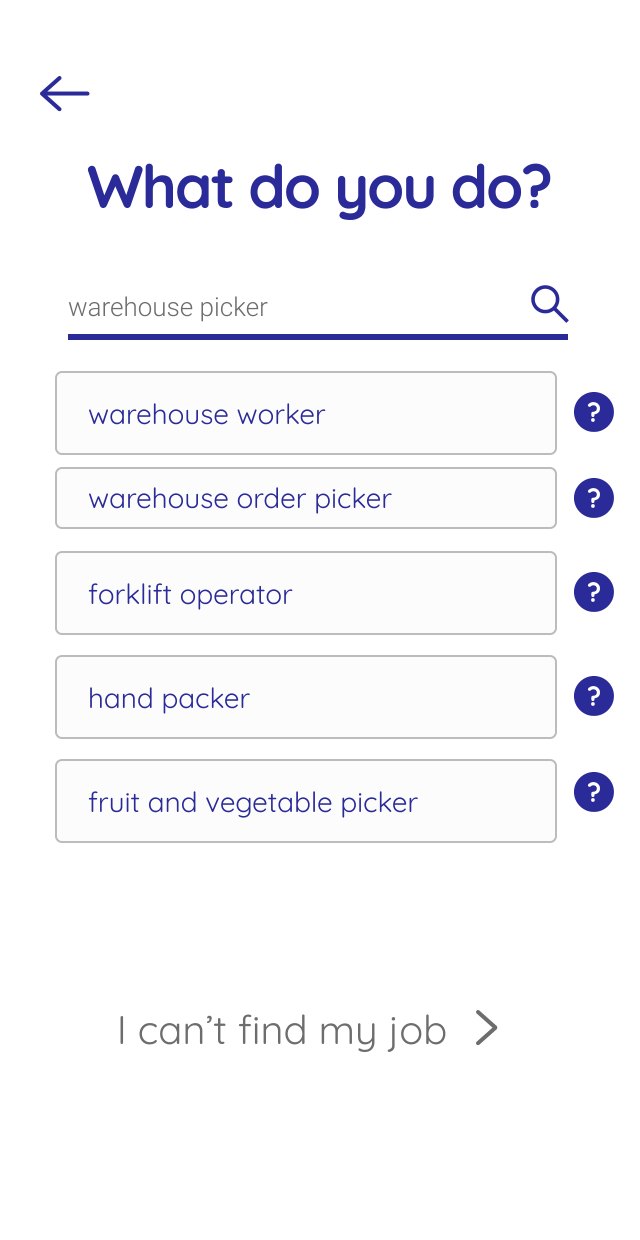
People’s own job titles often weren’t in the ESCO database. Our interviewees called themselves “clickers”, which ESCO lists as “cutting machine operator”, and “retail assistant” wasn’t listed at all. So the search suggests job titles as you type, and a short guided route helps anyone who still can’t find their job.
Testing shaped many details. "Skills audit" became "skills assessment" because "audit" sounded scary. A confidence scale replaced "beginner to expert" because users didn't relate to "expert".
Session recordings showed nobody opened the tab holding their matched skills, so we moved the skills back onto the main screen. Colour was never the only signal: arrows show better or worse too.
The site met WCAG AA, was fully keyboard navigable, and used privacy-first analytics (Matomo rather than Google Analytics).
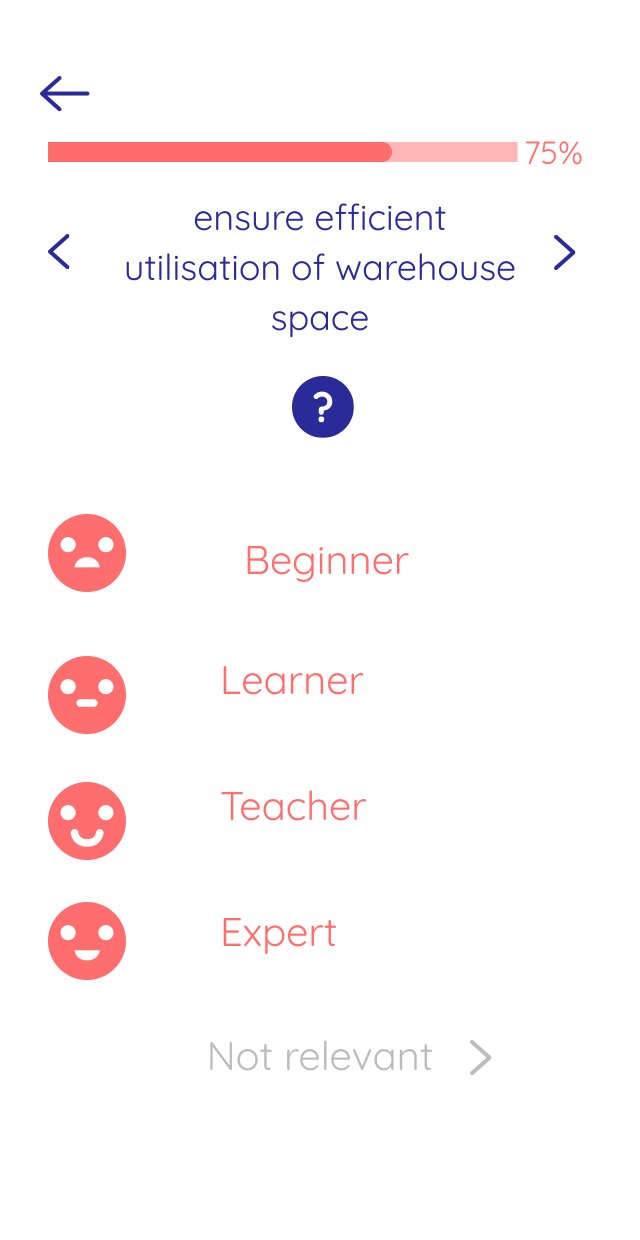
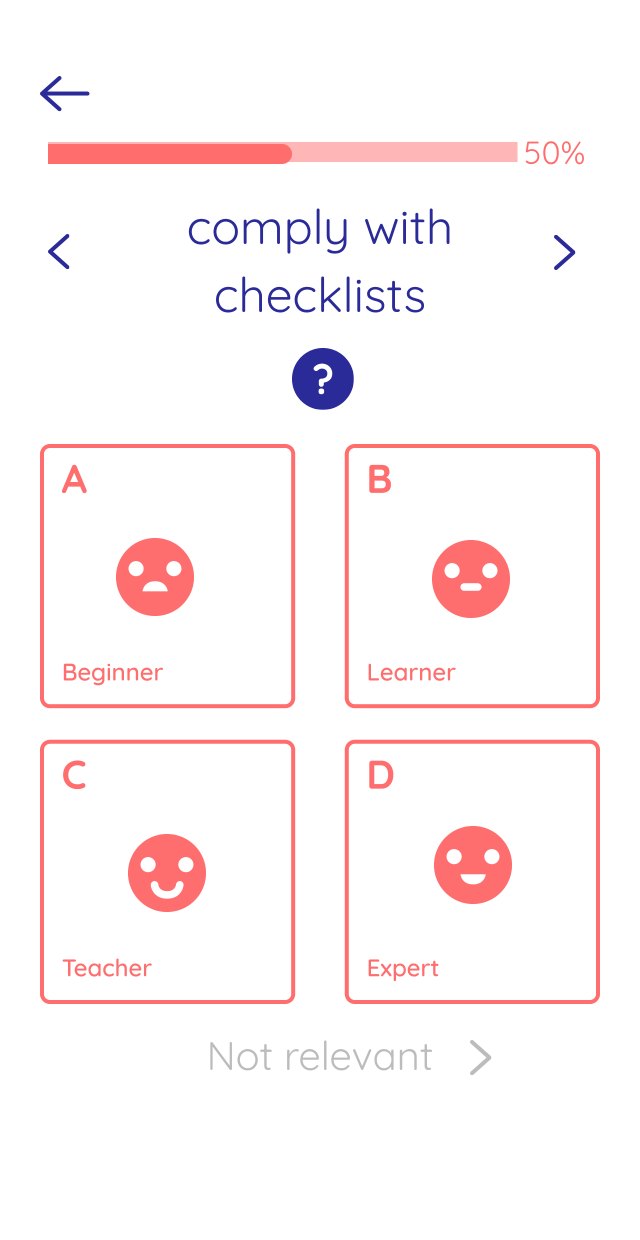
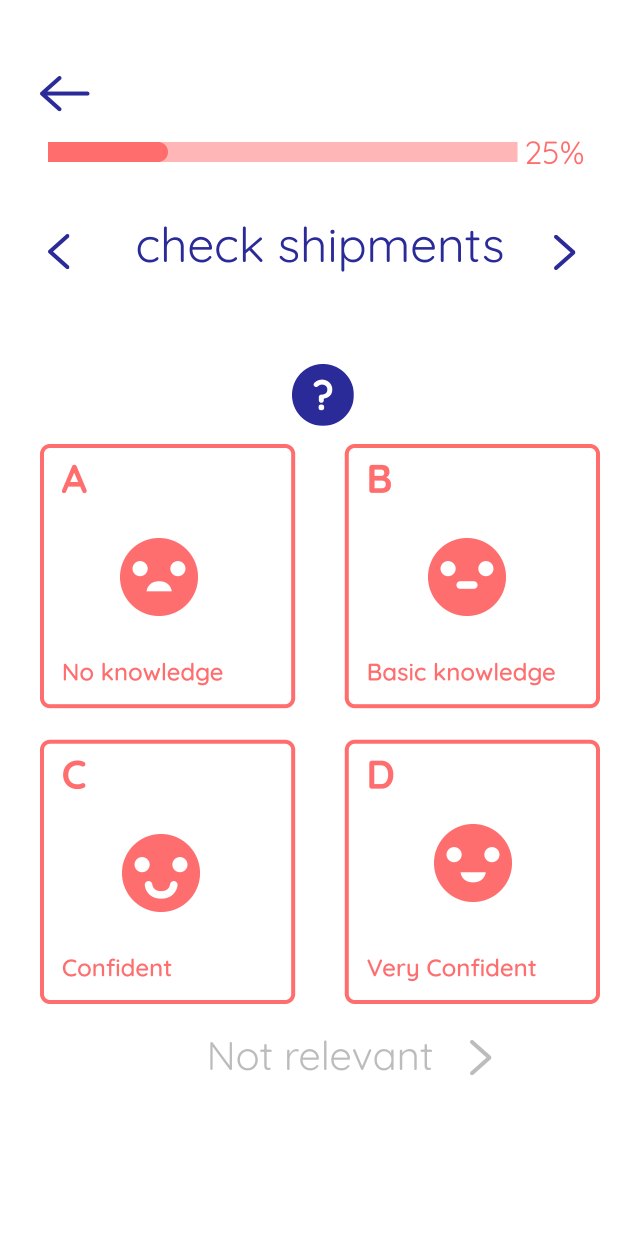
We tested a list against a grid, and a beginner-to-expert scale against a confidence scale. Most people preferred the grid, where the whole square is the button.
“I don’t like the word expert – bigging myself up. I’m good at my job – I know that.” Research participant
Testing what to build next
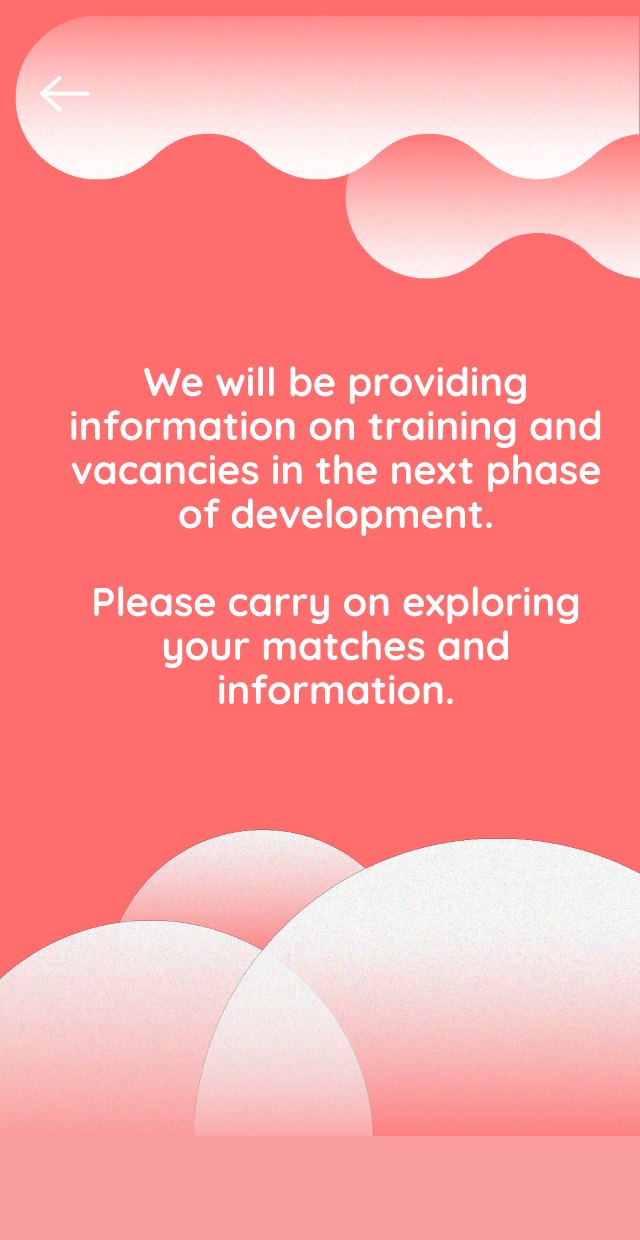
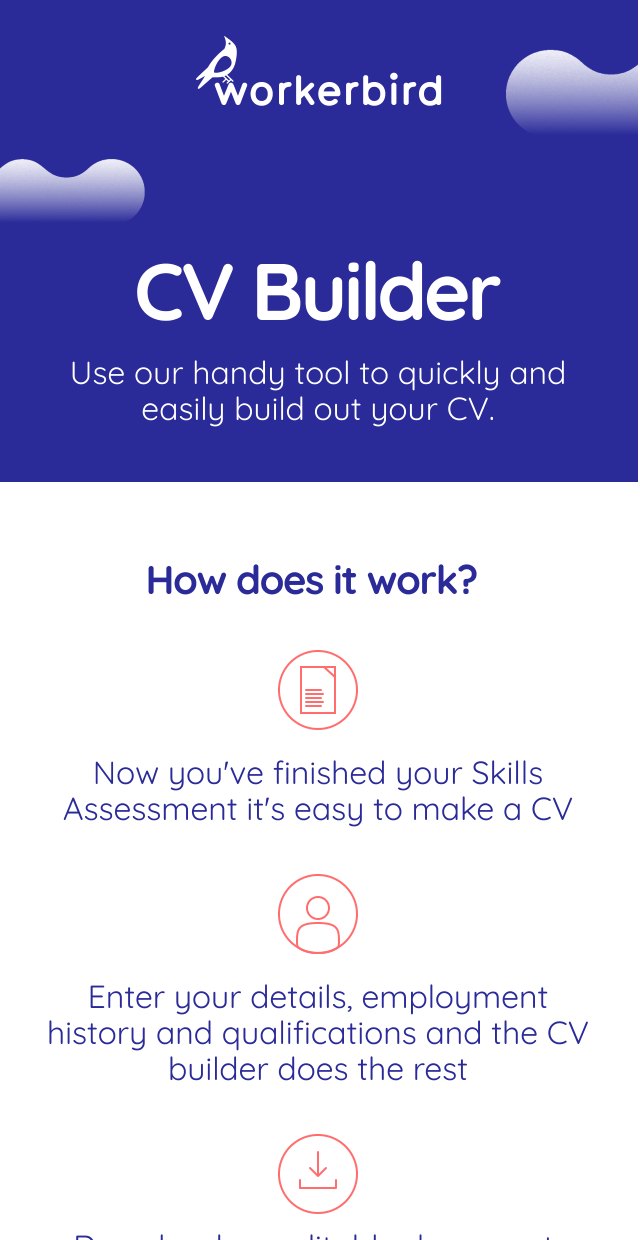
Before building anything for training or job vacancies, we added buttons for current vacancies and further training to job matches in the live Job Explorer and tracked how many people clicked them, to measure demand. A CV Builder was the next planned feature, building on the skills PDF users could already download. In the union pilot, the closing screens asked people whether they would like to learn about other sectors they could work in, and invited them to join a mailing list for the Job Explorer and the Workerbird app.
Results
More than 460 members of our union partner completed the pilot.
One interviewee's reaction on seeing their full skills list summed it up: "Wow, I do a lot!"
We ran two versions of the site: one starting with the Skills Assessment and one starting with the Job Explorer. Early data suggested people who started with the Job Explorer were more engaged. They seemed more motivated to finish the Skills Assessment once they had looked at jobs, and downloaded their skills PDF in higher numbers.
Beyond individuals
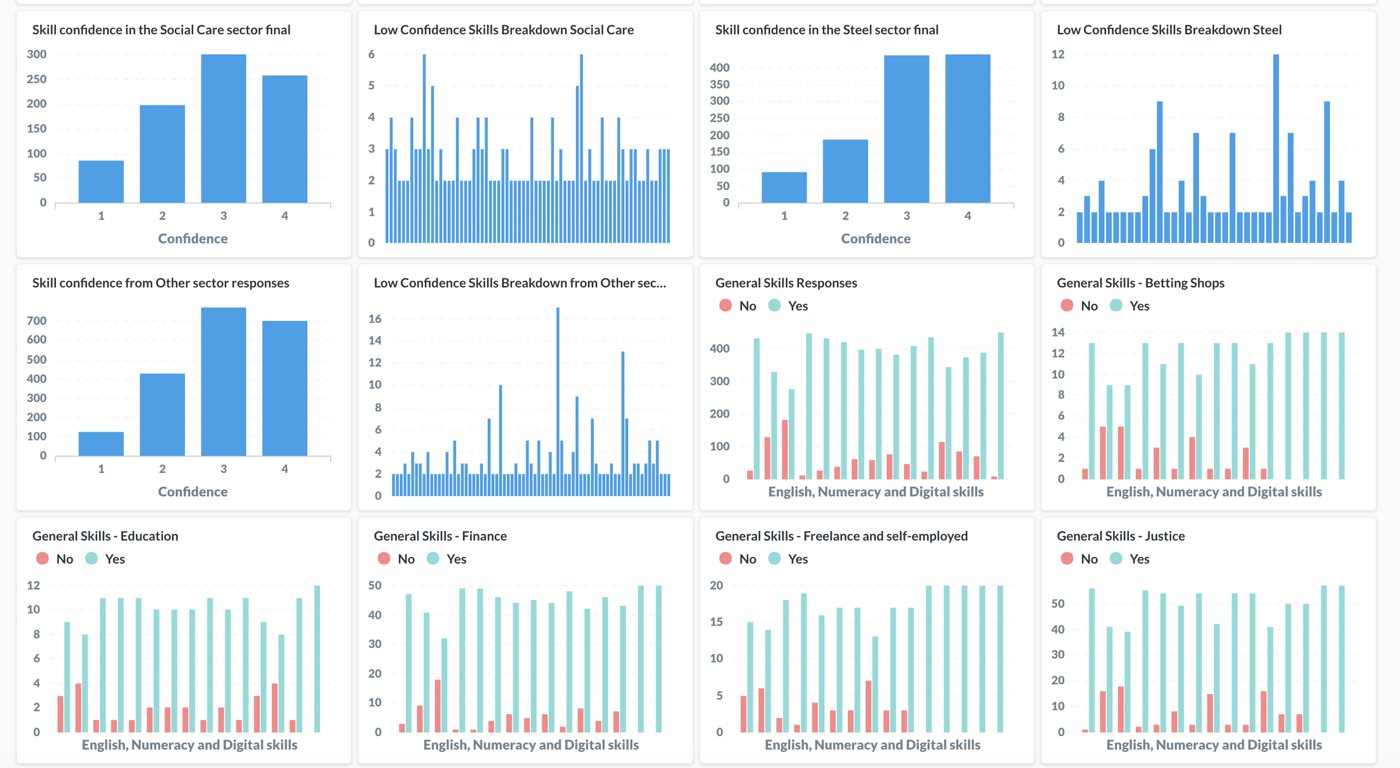
For our union partner we built a real-time dashboard of anonymised results by sector, which helped launch their Skills Campaign. The union shared the findings with its sector reps and learning and education teams.
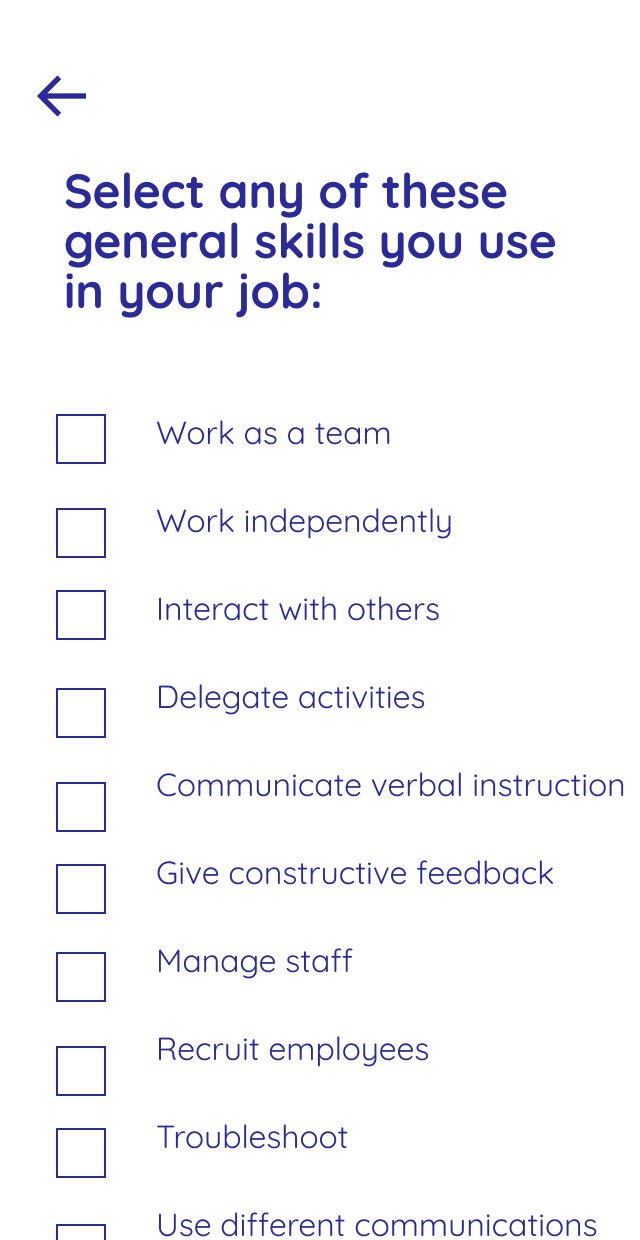
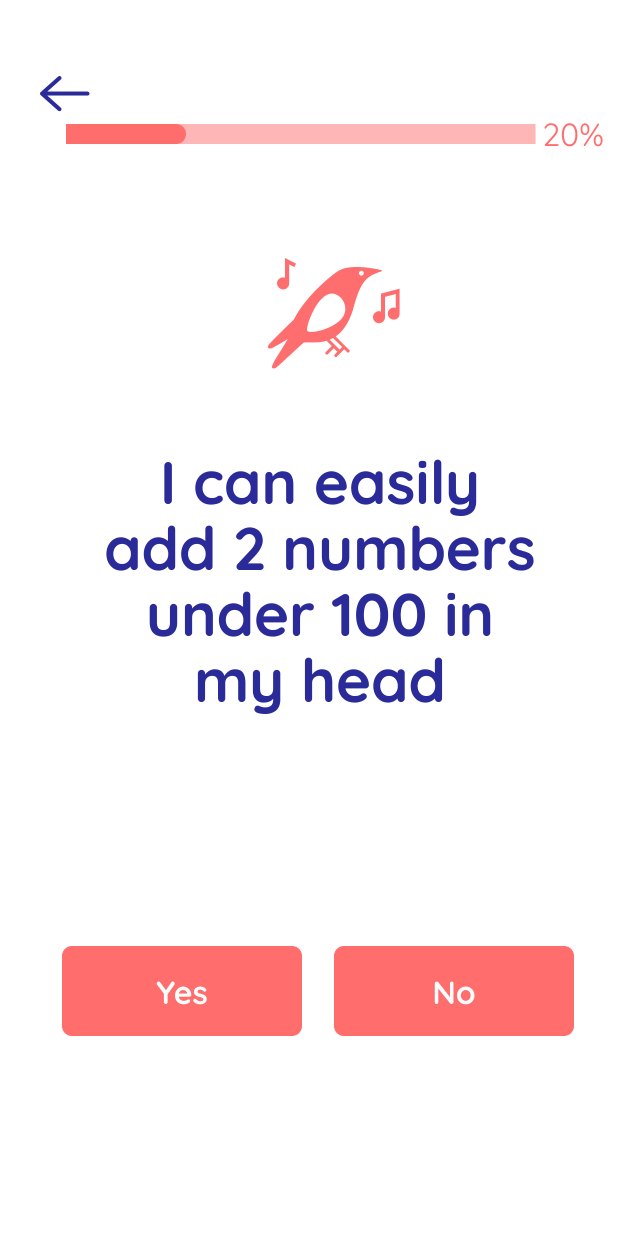
We also added 15 custom screens with yes or no questions on literacy, numeracy and digital skills. Anyone who answered no, or rated a job skill as no or basic knowledge, got links to the union’s learning resources in their results. Each organisation could be given its own access code rather than a separate site. This piloted an enterprise model designed to keep the tool free for workers. We also designed how the Job Explorer could work inside a company, to show internal career paths or staff internal projects.
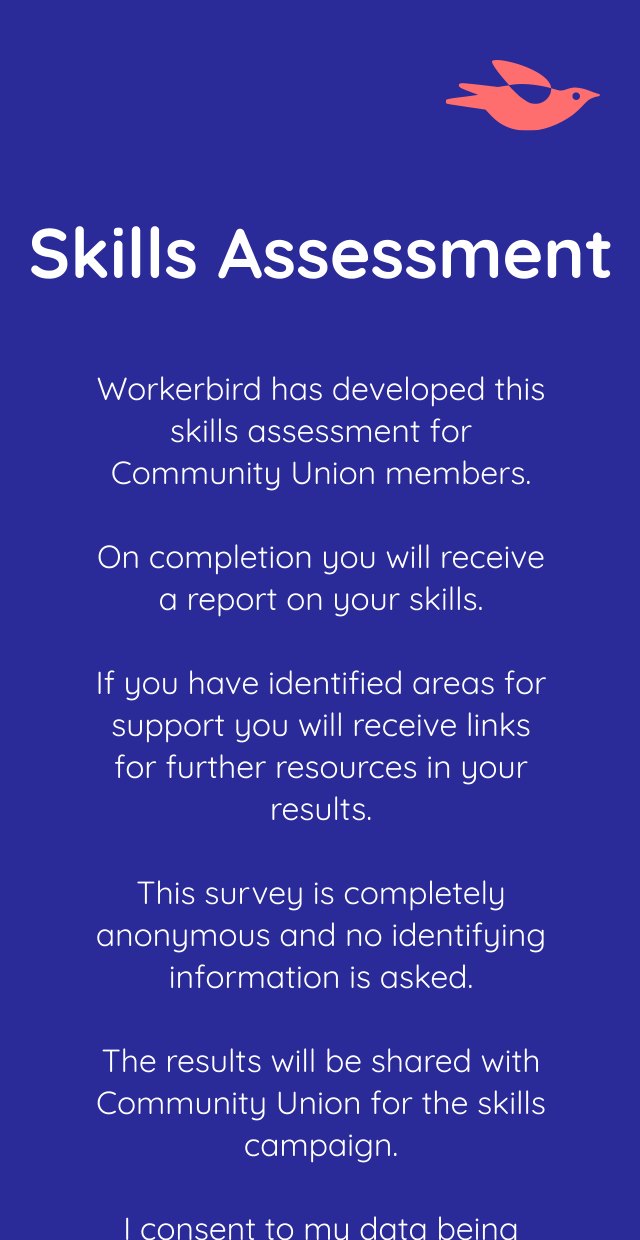
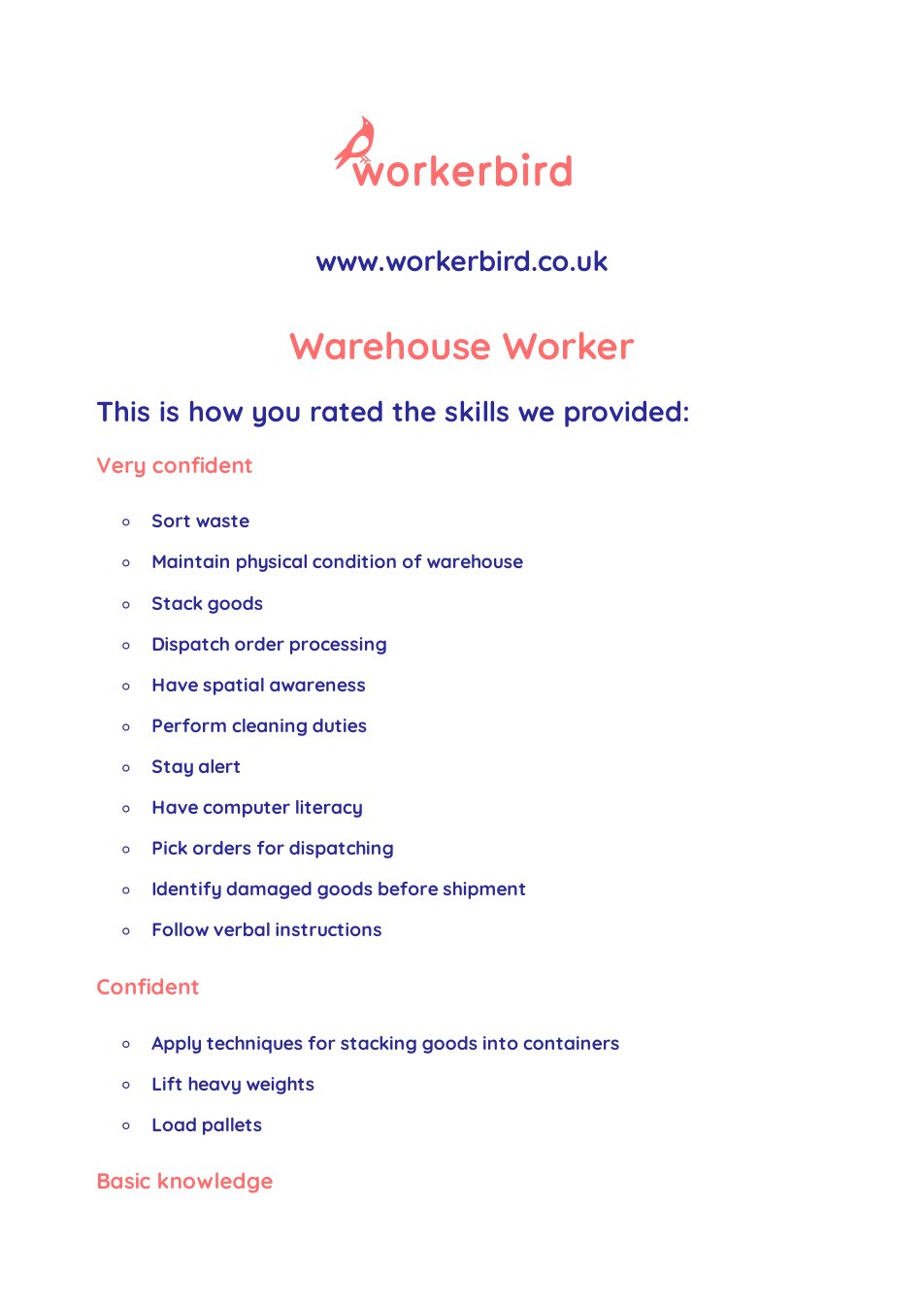
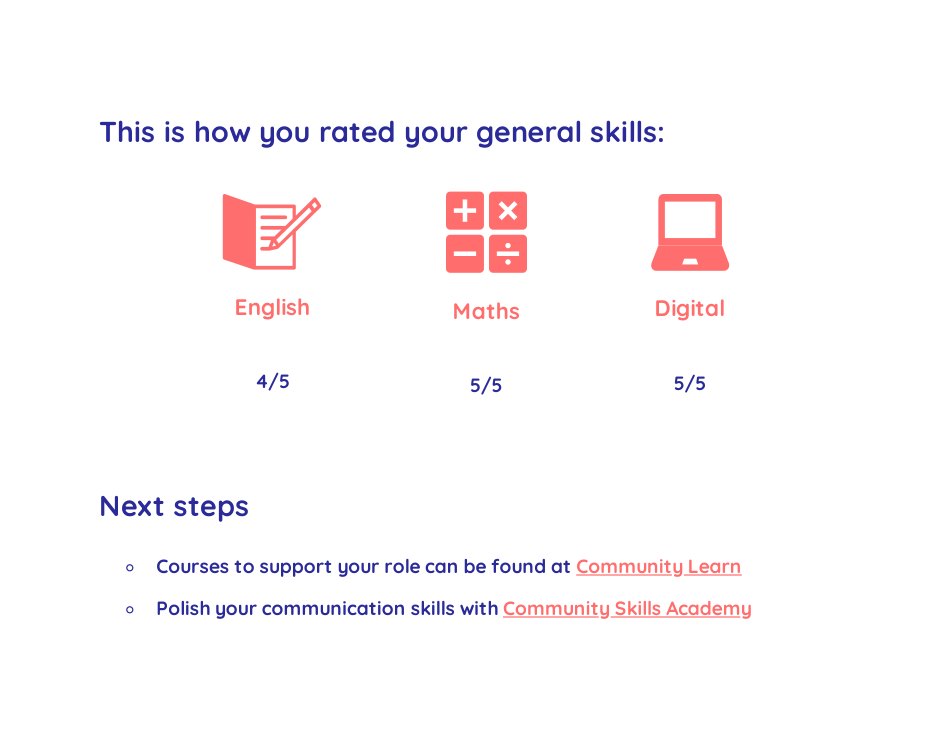
A real report a member downloaded at the end, anonymous, with their skills, general skills scores and next steps.